

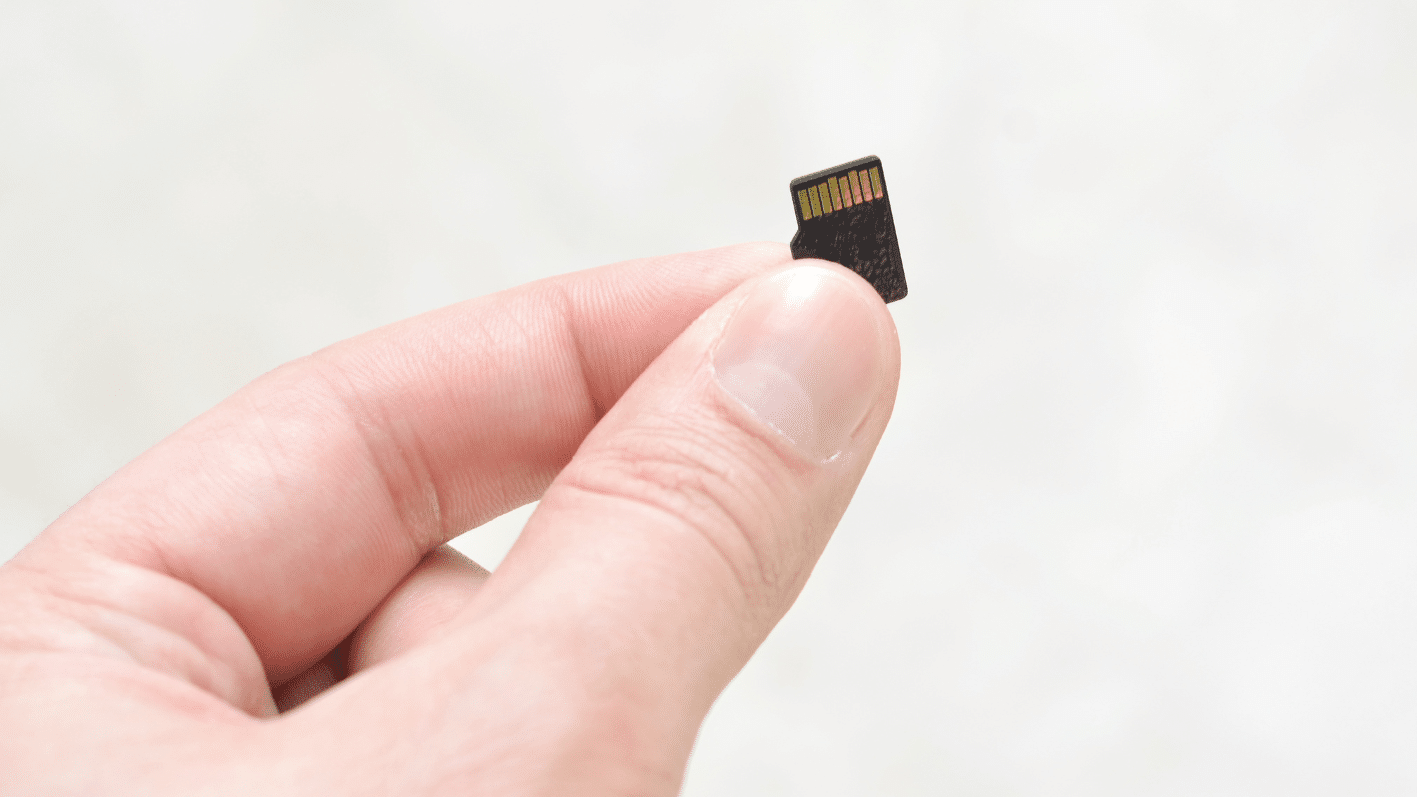
Since storage needs, read or write speeds, and device compatibility vary, choosing the wrong card can cause slow performance or data loss. Understanding how to match a miro SD card to your device and usage requirements helps you make an informed decision. In this article, you will learn the seven practical tips to help you select micro SD cards that provide both speed and capacity for any application.
1. Identify Your Device Requirements
Make sure that you check the supported memory capacity and the speed class of your card. Many systems, such as cameras, smartphones, and drones, have diverse constraints that all affect the performance. Being compatible means errors and delays won’t occur during operation. Knowing the needs of your device will allow you to choose a card that is reliable and won’t damage your hardware.
2. Choose The Right Storage Capacity
All Micro SD cards come in different capacities, and it is vital to get the right size for what you need. Whether it’s higher resolution videos or a lot of app data, you can put in whatever your phone wants. If you decide to choose a card with the correct amount of space, then you don’t have to worry about your storage running out. If you can predict your storage needs, then you will never suffer possible hitches.
3. Consider Speed Class And Performance
The speed class is a measure of the card’s maximum writing and reading speeds and is important for high-speed use. That’s why if you want 4K video footage shooting, filming with continuous burst mode or transferring large data files, you will need a higher speed rating. Don’t overlook that the right speed class of card is necessary for securing long-term use and avoiding any glitches during recording.
4. Check Brand Reputation and Reliability
Not all micro SD cards offer the same level of reliability, so choosing a reputable brand is important. Trusted brands often provide higher-quality components and warranty support, reducing the risk of data corruption or failure. Reliable cards protect your files while supporting consistent device performance. Investing in a proven brand gives confidence that your data will remain safe and accessible.
5. Evaluate Durability and Environmental Resistance
A micro sd card is made to withstand harsh conditions, including water, heat, and shock. A durable card will help maintain the integrity and prevent dust or other debris from damaging it. For tools often used in active or harsh environments, this durability means maximum life and usual performance. When durability is factored in, protection and peace of mind are increased, which is important.
6. Understand File System Compatibility
Micro SD cards use different file systems such as FAT32, exFAT, or NTFS, which affect how they interact with devices. Ensuring the card’s file system is compatible with your device prevents formatting issues or inaccessible storage. Some devices require specific systems for full functionality. Understanding these technical details supports smooth integration and optimal operation across multiple devices.
7. Balance Price With Features and Needs
While cost is an important consideration, the cheapest option may not meet your device’s performance requirements or durability standards. Balancing price with storage capacity, speed, and reliability ensures the card meets your needs without overspending. Always remember that choosing wisely allows you to maximise value while avoiding future replacement or performance problems.
Select A Reliable Micro SD Card That Works For You
By understanding device requirements, selecting the correct capacity and speed, and choosing reliable and durable brands, you can ensure your micro SD card meets all your needs effectively. Attention to compatibility and reliability enhances both device performance and user satisfaction. Choosing the right micro SD card ensures data security, efficiency, and smooth operation for any application.